To
From
Make eight printable Christmas gift tags on one standard sheet, with recipient names and an optional shared sender line or short note. Enter up to eight names, choose A4 or US Letter, preview the first two tags, then print the full sheet.
Type one recipient per line. Add a sender name and a short message if you want them repeated on every tag. Leave names blank for write-in tags, or enter fewer than eight and leave the remaining recipient lines blank; the sender and message still print on all eight. Empty lines are skipped. More than eight names or a name over 40 characters is flagged before printing. The names and note you enter stay on this page and are not submitted.
To
From
To
From
Prefer to write by hand? Download the blank A4 sheet or the blank US Letter sheet.
Each tag is a simple rectangle about 90 by 55 mm, arranged two across and four down. Choose the paper size that is loaded in your printer, check the print preview, and print at actual size or 100%. If your print dialog adds a browser header or footer, turn those off. Use paper or cardstock your printer supports; paper type and printer margins vary.
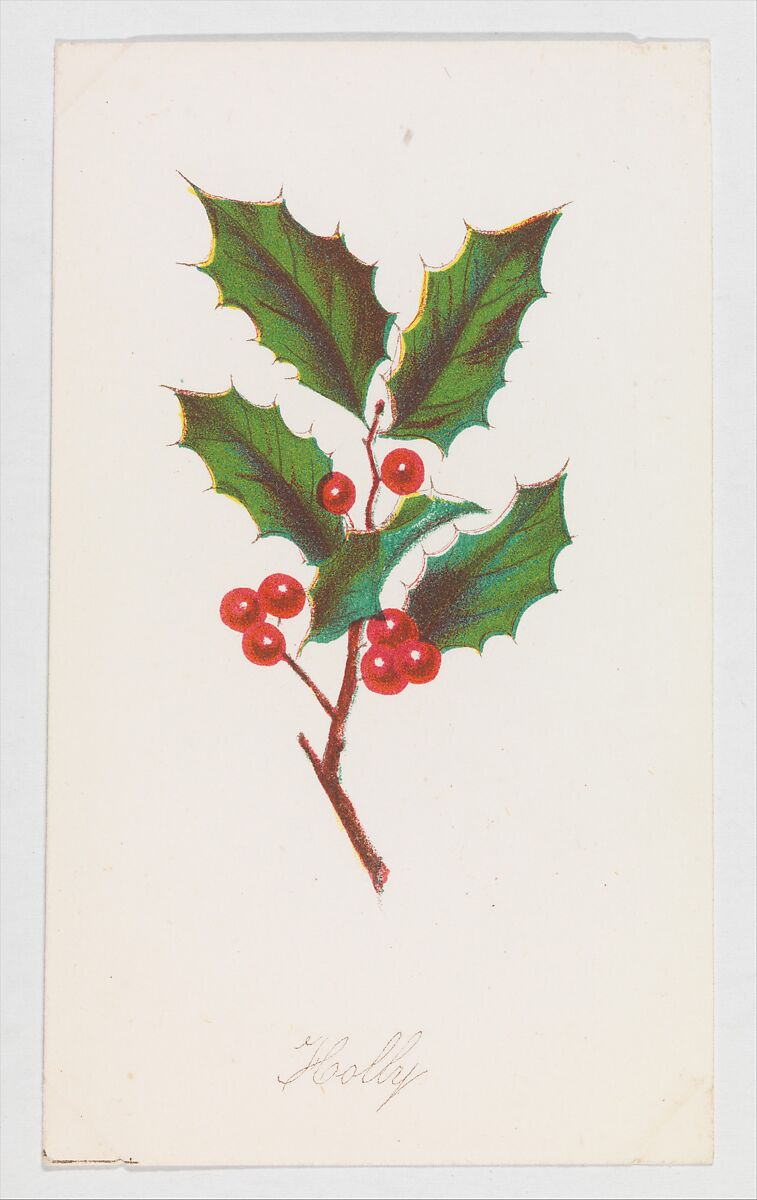
Cut around the rectangles and use the small circle as a hole-punch guide if you plan to tie a tag on. The optional plain style hides the holly art to use less color. For a light touch of seasonal history, the holly image is from Holly, from “Autumn Leaves,” Part 2, published by Louis Prang & Co. in 1862 and marked Public Domain by The Met.
Wrapping an ornament too? Read our Christmas ornament gift-wrapping guide, or browse personalized Christmas ornaments.
Related: What to write on a Christmas gift tag.